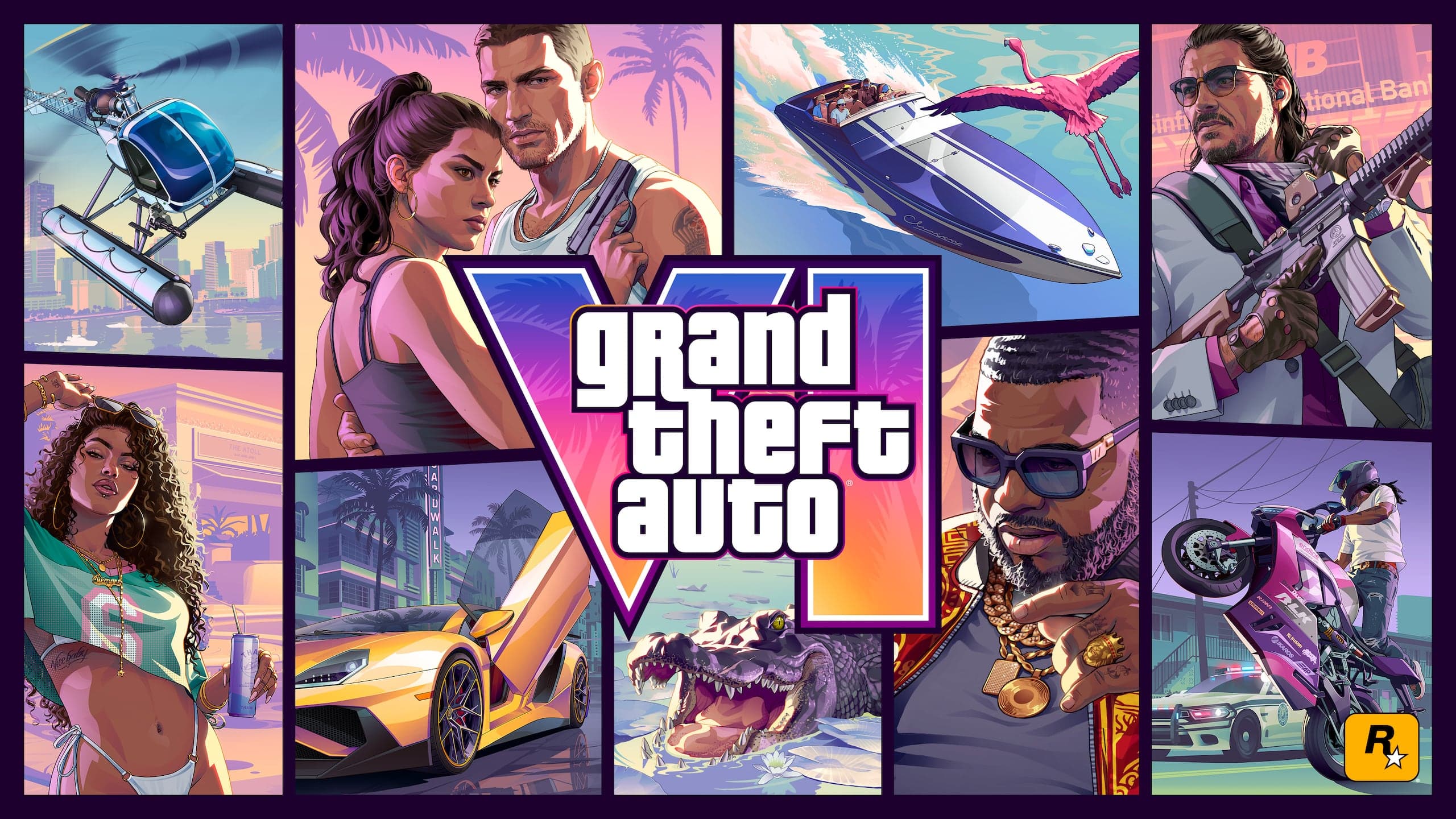
Artwork: Rockstar Games. GTA6Help is an independent fan site.
GTA 6 Launch Guide: Unlock Times, Preload and Storage
Preload is live and the game unlocks at midnight local time on 19 November. Unlock times, a launch night checklist and how to check your preload.
GTA 6 unlocks at midnight local time on 19 November 2026. If you have a digital pre-order, the download has been open since 10 November, so the only job left is making sure it is finished before your clock hits midnight.
Unlock times
The release rolls out by region at midnight local time. New Zealand is the first major region to reach midnight, and the unlock then moves west with the clock. Your own midnight is the one that counts. The date history is on our release date timeline.
Preload
- Digital pre-orders. Preload has been live since 10 November 2026.
- Boxed copies. The box holds a download code, not a disc. Redeem the code first and the preload can start.
- Not pre-ordered yet. Our preorder guide explains which edition to pick, and the price and editions guide has the costs.
- Xbox Cloud Gaming. Rockstar confirms Xbox Cloud Gaming on Xbox Series X|S and Xbox One with Series S settings. We have no confirmed start date for the cloud version.
Storage
Rockstar has not published a download size on Newswire. Figures are circulating, but we have not been able to source one, so we do not print a number. Open the game's store page on your console: it shows the size your system will ask for. Free up that space and keep some spare, because patches arrive on top of the base game.
Launch night checklist
- Check the preload. It should be finished, not paused or queued behind something else.
- Clear space. On PS5 use Settings, then Storage. On Xbox use Settings, then System, then Storage devices. Delete what you will not play this month.
- Update the console. Install pending system updates before midnight, not during it.
- Charge the controller. PS5 owners get DualSense haptics in this game, which is a reason to start with a full battery.
- Mute spoilers. Add GTA 6 terms to your muted words on the social apps you use. The story will be all over them within minutes of the first unlock.
How to check your preload
On PS5
Look at the game tile on the home screen or in your Game Library. Open the Control Center and check the Downloads/Uploads card: if GTA 6 is not listed as downloading or waiting, the preload has finished. Menu names can shift with system updates.
On Xbox
Open My Games & Apps and look at the Queue. An active or paused GTA 6 entry means the download is not complete. If the Queue is empty and the game sits in your library, the preload is done. Menu names can shift with system updates.
The first hours in Leonida are covered in the beginner's guide, and frame rate and console differences are in our performance breakdown.
Frequently Asked Questions
When can I play GTA 6?
At midnight local time on 19 November 2026, region by region.
Can I preload GTA 6?
Yes. Preload has been live since 10 November 2026 for digital pre-orders. With a boxed copy, redeem the download code first.
How much storage does GTA 6 need?
Rockstar has not published a size on Newswire. Check the store page on your console for the figure your system shows.
Is GTA 6 coming to Xbox Cloud Gaming?
Yes. Rockstar confirms Xbox Cloud Gaming on Xbox Series X|S and Xbox One, using Xbox Series S graphics settings. We have no confirmed date for when the cloud version goes live.
How we reviewed this article
- Written by
- Iris LangeNews and database editor
- Reviewed by
- GTA6Help EditorialEditorial team
Sources
- Rockstar Games Newswire, 2026 · Pre-Load Grand Theft Auto VI Now
Spotted something wrong in “GTA 6 Launch Guide: Unlock Times, Preload and Storage”? Send a correction. Corrections get credited in the revision history.