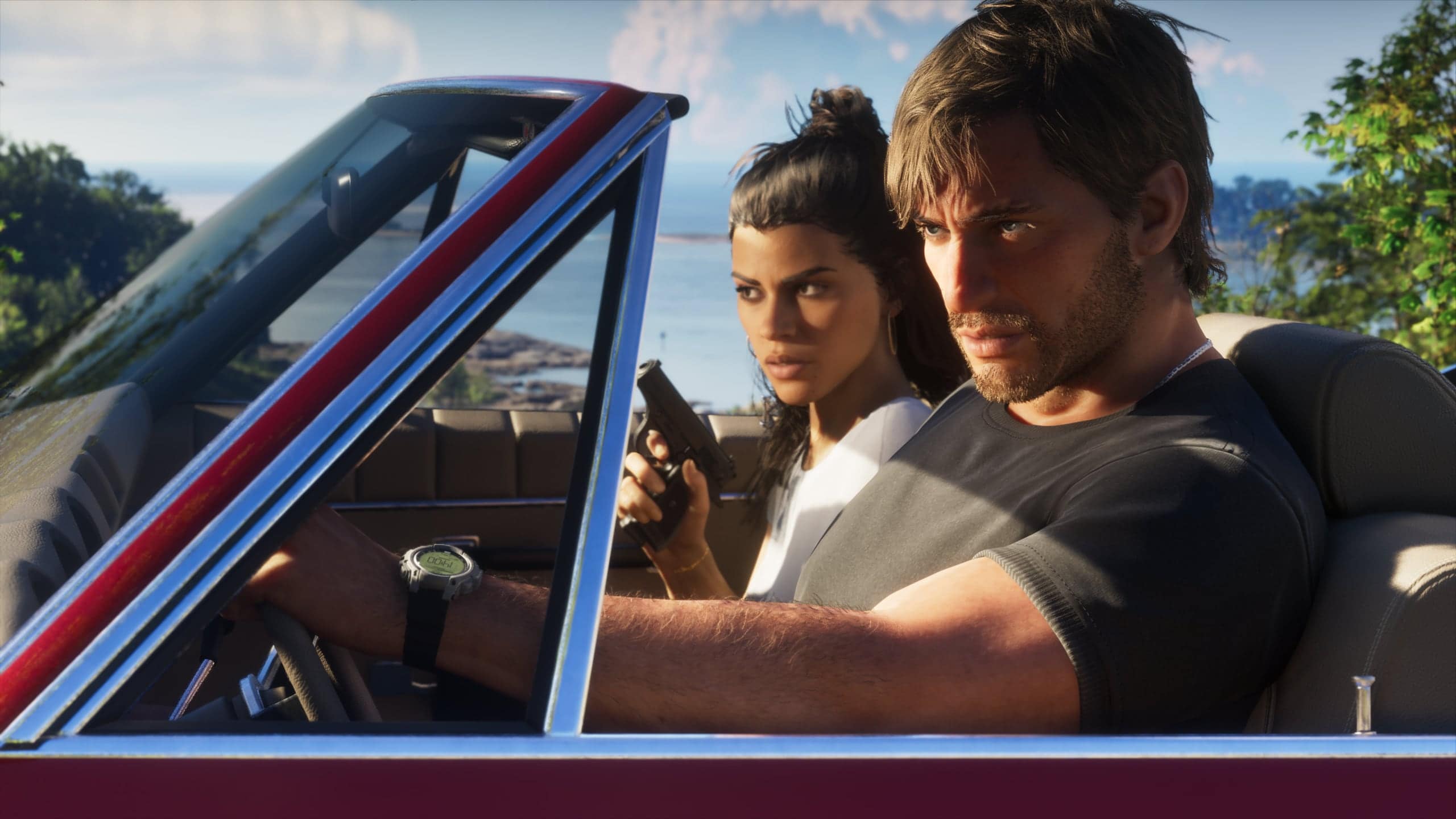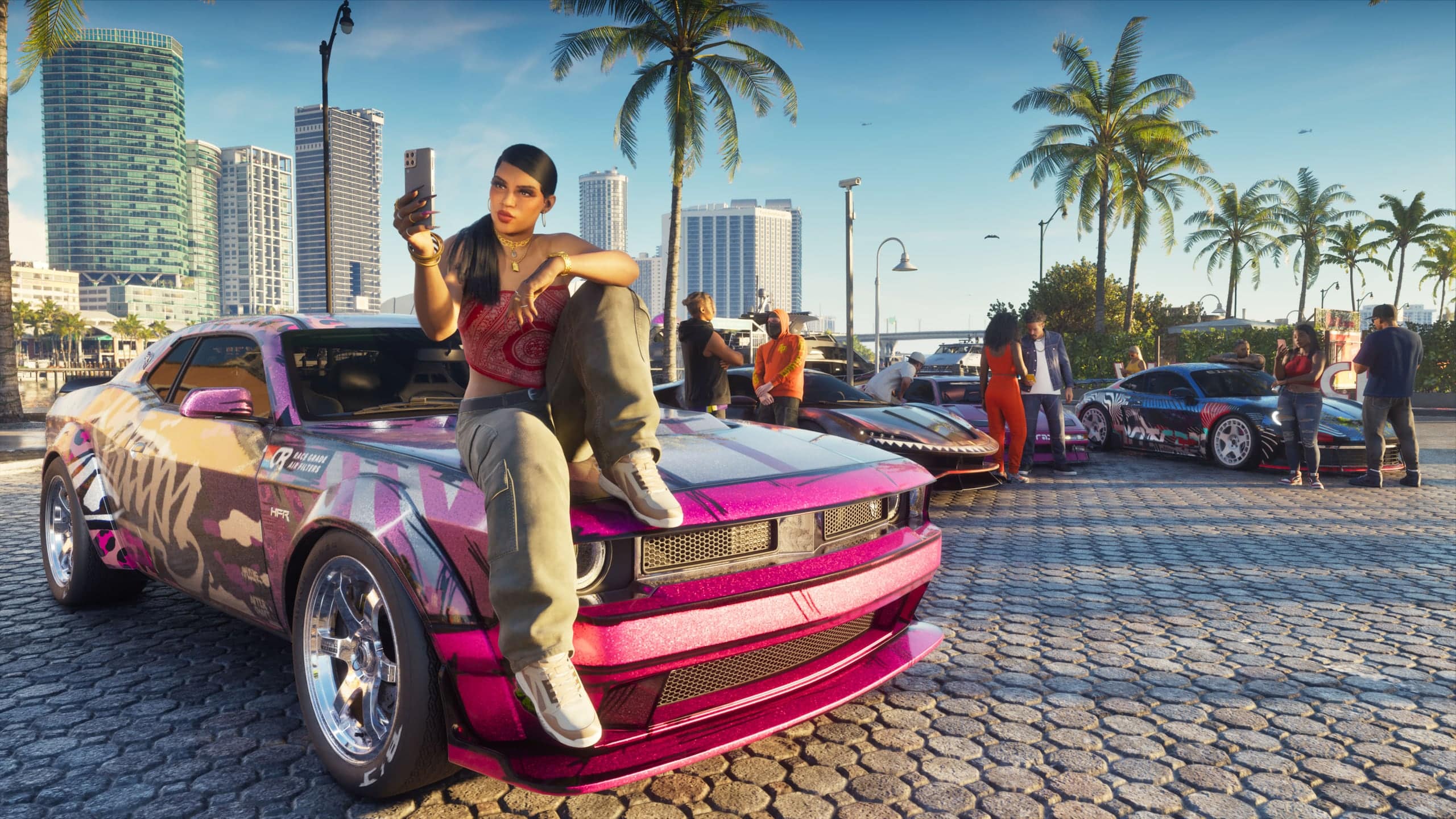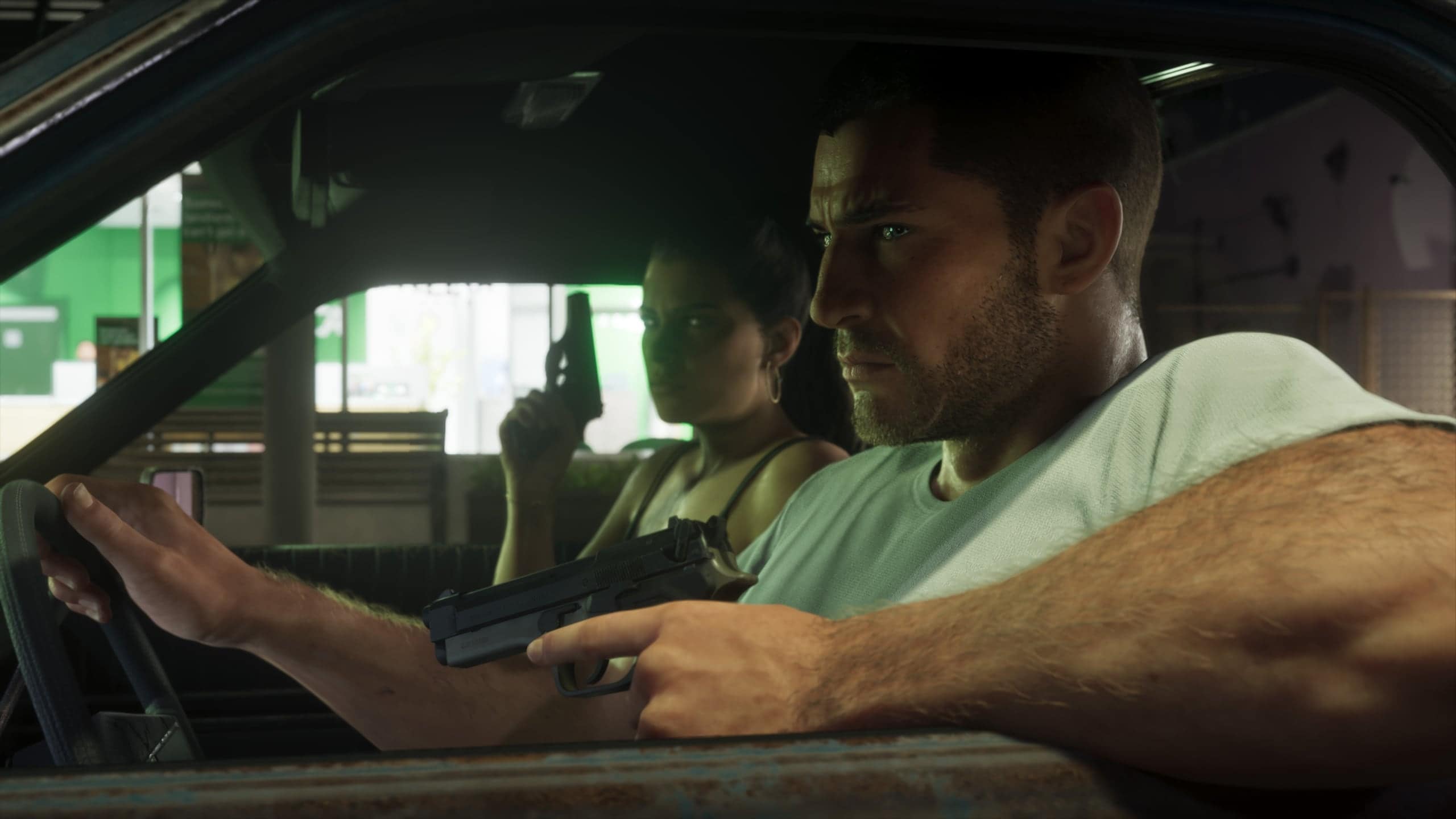
You hold L2, click the right stick, and for a moment Vice City sits at eye level. Then you take one step and the camera drops back behind Jason's shoulder.
GTA 6 shipped without the first-person mode GTA 5 had. It does give you three narrow first-person views, and players found a glitch that locks the camera there. Below: the buttons for each view, how the glitch is done on PS5 and Xbox, and what it costs you.
Does GTA 6 have a first-person mode?
Confidence: reported. No, not a full one. VGC says the first-person mode from GTA 5 is not in the game. PowerPyx says you cannot play in first person the whole time, and Engadget calls the perspective available only in very limited circumstances.
GTA 5 did not launch with one either. VGC and Kotaku both point out that its first-person mode arrived with the PS4 and Xbox One versions, a year after the original release.
Which first-person views does the game allow?
Confidence: reported. Three, according to PowerPyx. Engadget and VGC each describe two of them.
| View | PS5 | Xbox | Ends when | Who says so |
|---|---|---|---|---|
| On foot, standing still | Hold L2, click R3 | Hold LT, click the right stick | You move | PowerPyx, Engadget, VGC |
| Driving, phone out | Up on the D-pad | Up on the D-pad | The phone goes away | PowerPyx, Engadget |
| Aiming a gun with a sight | Hold L2, click R3 while aiming | Hold LT, click the right stick | Not reported | PowerPyx, VGC |
On foot, standing still
PowerPyx and Engadget give the same input: hold L2 (LT on Xbox) and click the right stick. VGC describes it differently. Press L2 to focus or zoom, it says, then click L3 and R3 together.
You get full control of the camera, per VGC, but the view ends the moment you move. PowerPyx puts it more bluntly: you cannot walk around in it.
One warning from VGC. Click L3 and R3 without holding L2 first and you start Focus Mode instead, which drains your Focus meter. What fills that meter back up depends on your Criminal Profile level.
Driving, with the phone out
Press Up on the D-pad while driving to take out the phone. PowerPyx says you can then drive in first person, but only for as long as the phone stays out. Our phone apps guide covers what else that button opens.
Engadget adds that this is a setting. The Camera tab of the settings menu has an option for a first-person view while your character looks at the phone. If the camera stays behind the car with the phone out, look there first.
The regular driving cameras are a separate thing. Hold Down on the D-pad in a car or boat to pick a camera height or the cinematic camera, per Engadget. More on those in our driving physics guide.
Aiming a gun with a sight
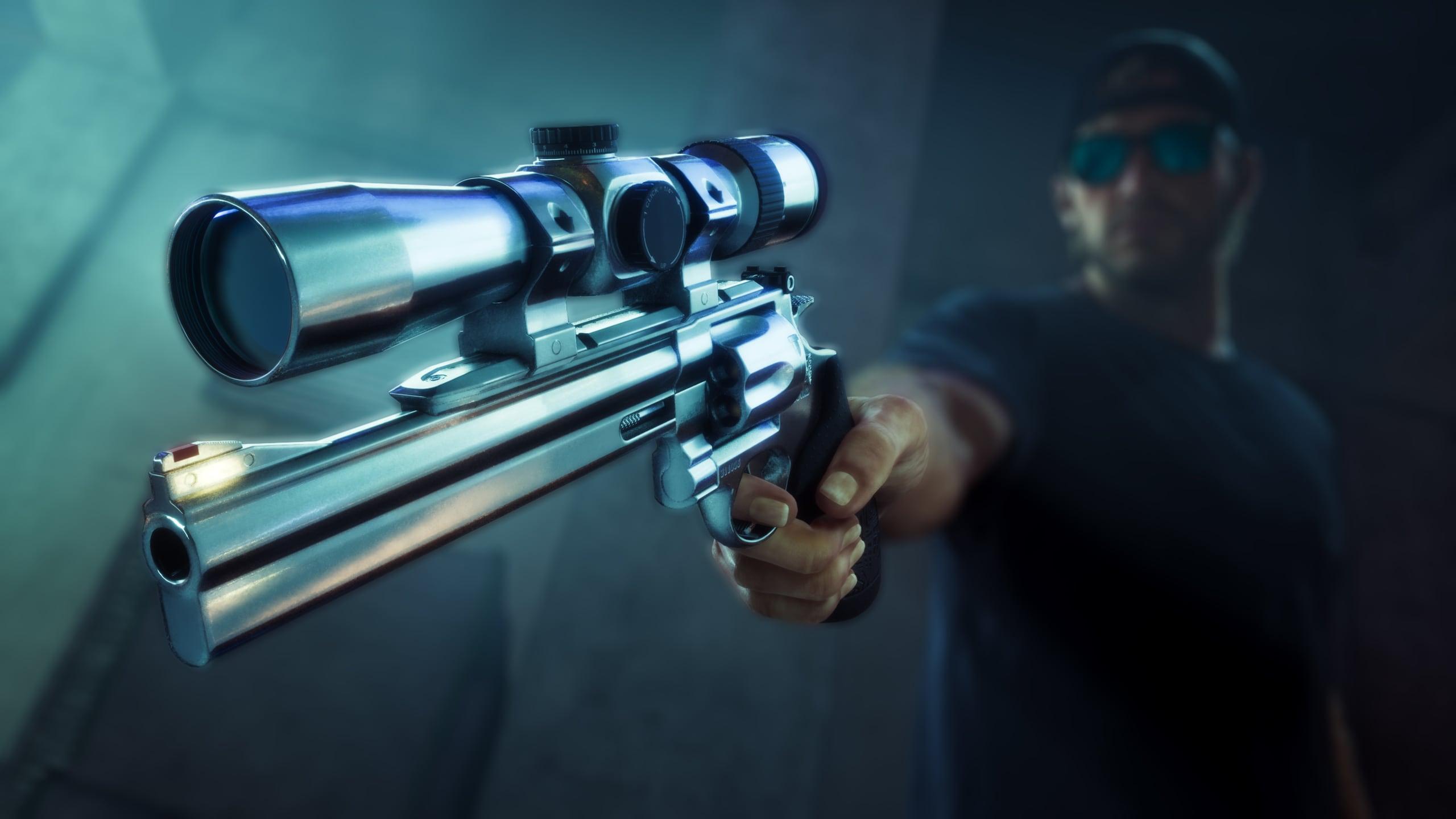
With a sight fitted to your weapon, hold L2 and click R3 while aiming to look through it, PowerPyx says. VGC confirms that only certain weapons let you aim down sights. Sights are fitted at any gun store by talking to the clerk, PowerPyx adds. Buying guns is covered in our weapon classes guide.
VGC also says the game moves to first person in certain vehicles. It does not name them, and no other outlet quoted here repeats it.
How to do the GTA 6 first-person glitch
Confidence: reported. The glitch was posted on YouTube by oneboyler and OrangeGuy, according to Kotaku and Dexerto. It makes the phone's first-person view stick after the phone is gone. Pure Xbox says the same steps work on PS5 and Xbox.
- Make a manual save.
- Pause, open Settings and go to the Controller tab.
- Change Touch Pad Button (View Button on Xbox) from Map to Camera. Dexerto and GameRant list the option as Camera 2/2.
- Get into a vehicle. A car or a bike both work, GameRant says.
- Press Up on the D-pad to take out the phone.
- Press Circle (B on Xbox) to put the phone away, and tap the Touch Pad (View on Xbox) repeatedly as you do.
- If the camera pulls back to third person, repeat the last two steps. It has worked when the view stays in first person with the phone away.
- Get out of the vehicle. The camera stays in first person on foot.
Kotaku describes the sixth step with Up on the D-pad to put the phone away, where Dexerto, GameRant and Pure Xbox all say Circle or B. Every one of them says to expect a few attempts.
Video guide
How to Play GTA 6 in First-Person (It's a Glitch!)
IGN, on YouTube
YouTube loads only after you press play.
How to get back to third person
Confidence: reported. There is no button for it. Dexerto and GameRant say you load a save from before the glitch.
Two outlets describe other ways out. Kotaku says the view lasts until the next time you shut the game off. Pure Xbox says being arrested or walking into a hair salon forced its camera back to third person.
Then undo the remap. While the Touch Pad is set to Camera it no longer opens the map, Dexerto notes. Go back to the Controller tab and set it to Map again, or the GTA 6 map stays one button further away than it should be.
What goes wrong in first person
Confidence: reported. GameRant lists character models and long guns clipping into the camera, and warns that the glitch can mess up key cutscenes and story moments. Pure Xbox found some items that do not work properly from this viewpoint.
Dexerto is more positive. It calls the view surprisingly polished, with the animations in place and no effect on how the game runs. It still advises against doing missions this way, because the reload costs you that progress anyway.
Ordinary play holds up, per GameRant: driving, shooting and talking to NPCs all work.
Will Rockstar patch the glitch or add a real mode?
Confidence: speculation. Nobody outside Rockstar knows. None of the outlets quoted here reports a comment from Rockstar on the glitch.
The first update did not touch it on paper. GamesRadar+ reports that the notes for the 23 November patch do not mention the first-person glitch, and reads that as the glitch being safe for now. That is a reading of patch notes, not a test. The notes themselves are in our GTA 6 patch notes.
GameRant expects an update could remove it and suggests trying it sooner rather than later. PowerPyx, Engadget, Dexerto and Pure Xbox guess the other way: that a proper first-person mode may follow, as it did for GTA 5. Kotaku notes that Rockstar has not promised one.
Frequently Asked Questions
Does GTA 6 have a first-person mode?
Not a full one. VGC, PowerPyx and Engadget all say you cannot play the whole game in first person. You get it standing still, driving with the phone out and aiming a gun with a sight.
How do you go first person in GTA 6 on foot?
Stand still, hold L2 (LT on Xbox) and click the right stick, per PowerPyx and Engadget. Moving ends it.
How do you drive in first person in GTA 6?
Take out the phone with Up on the D-pad while driving. PowerPyx says the first-person view lasts only while the phone is out, unless you use the glitch.
How do you turn off the first-person glitch in GTA 6?
Load a save made before the glitch, say Dexerto and GameRant. Then set the Touch Pad or View button back to Map.
Does the first-person glitch work on Xbox?
Yes, according to Pure Xbox, Dexerto and GameRant. Use the View button where PS5 uses the Touch Pad, and B where PS5 uses Circle.